Android
Zend2 Private Browser
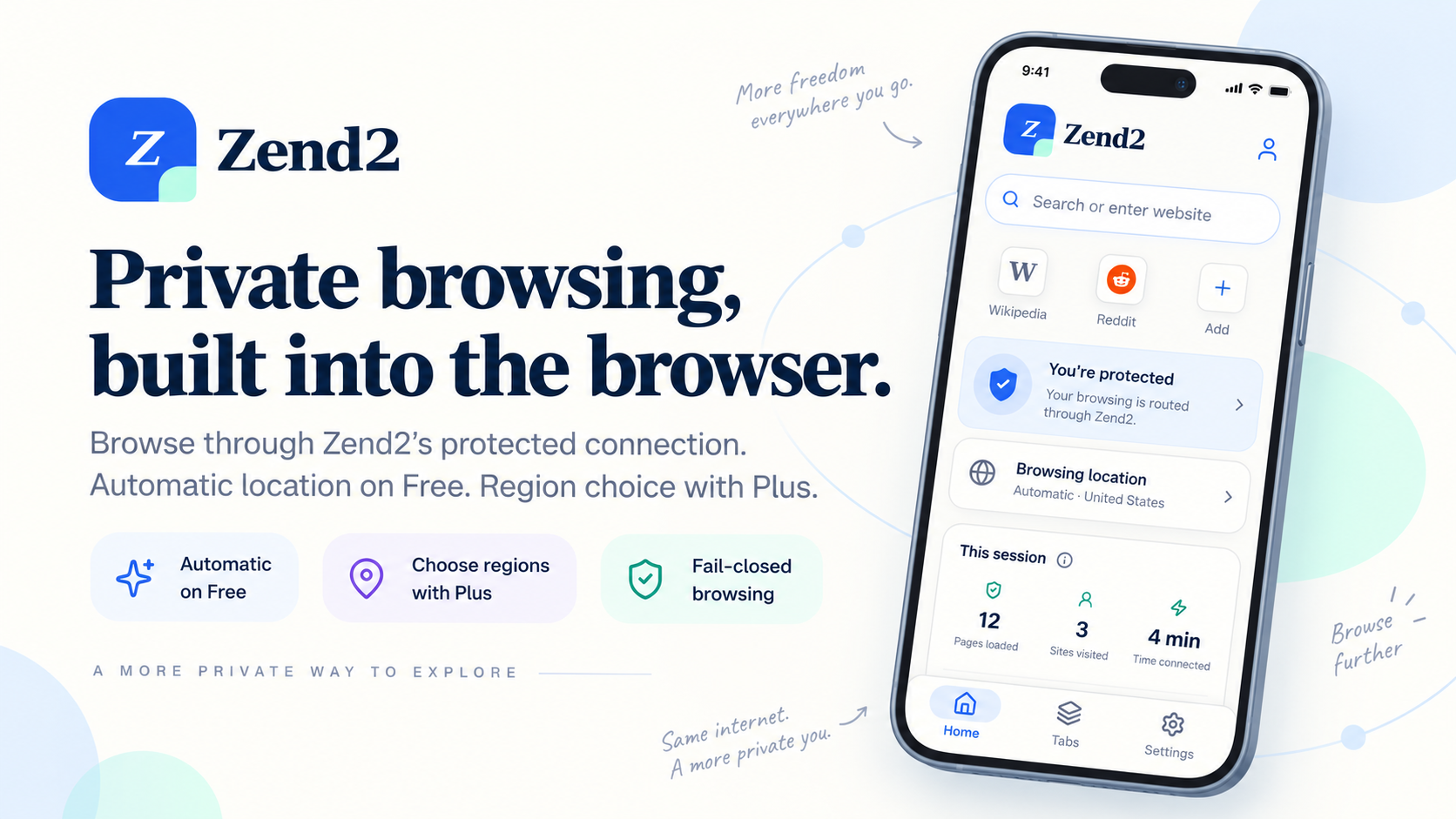
Private browsing with a protected connection built in.
Coming to Google Play. Package: com.zend2.browser. iOS is not available yet.
How it works
When protection is active, Zend2 routes browsing inside the app through a protected connection, then through Zend2 Edge, then through the selected upstream browsing region, and then to the website.
You do not set up a separate VPN for browsing inside Zend2. This is not a system-wide VPN: other apps on your phone are not covered.
Automatic location
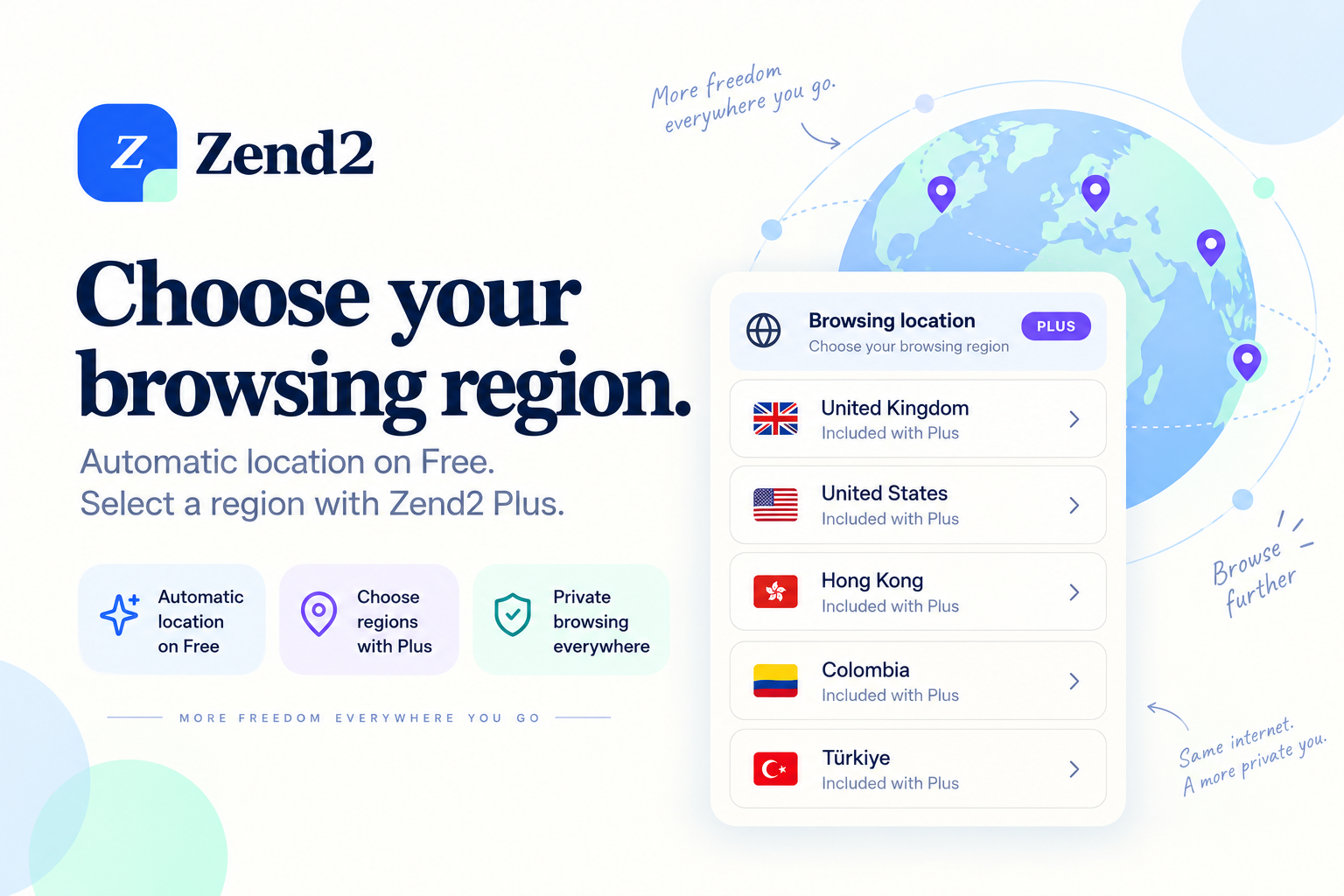
Free users browse using Automatic location. Zend2 selects an available region. Automatic is dynamic: it is not a permanently assigned country, and it can change as available regions change.
Zend2 Plus regions
Zend2 Plus lets you choose a browsing region and switch between available regions. Current selectable regions:
- United Kingdom
- United States
- Hong Kong
- Colombia
- Türkiye
Available regions may change based on service availability. Zend2 does not guarantee access to every website or uninterrupted availability.
Fail-closed behavior
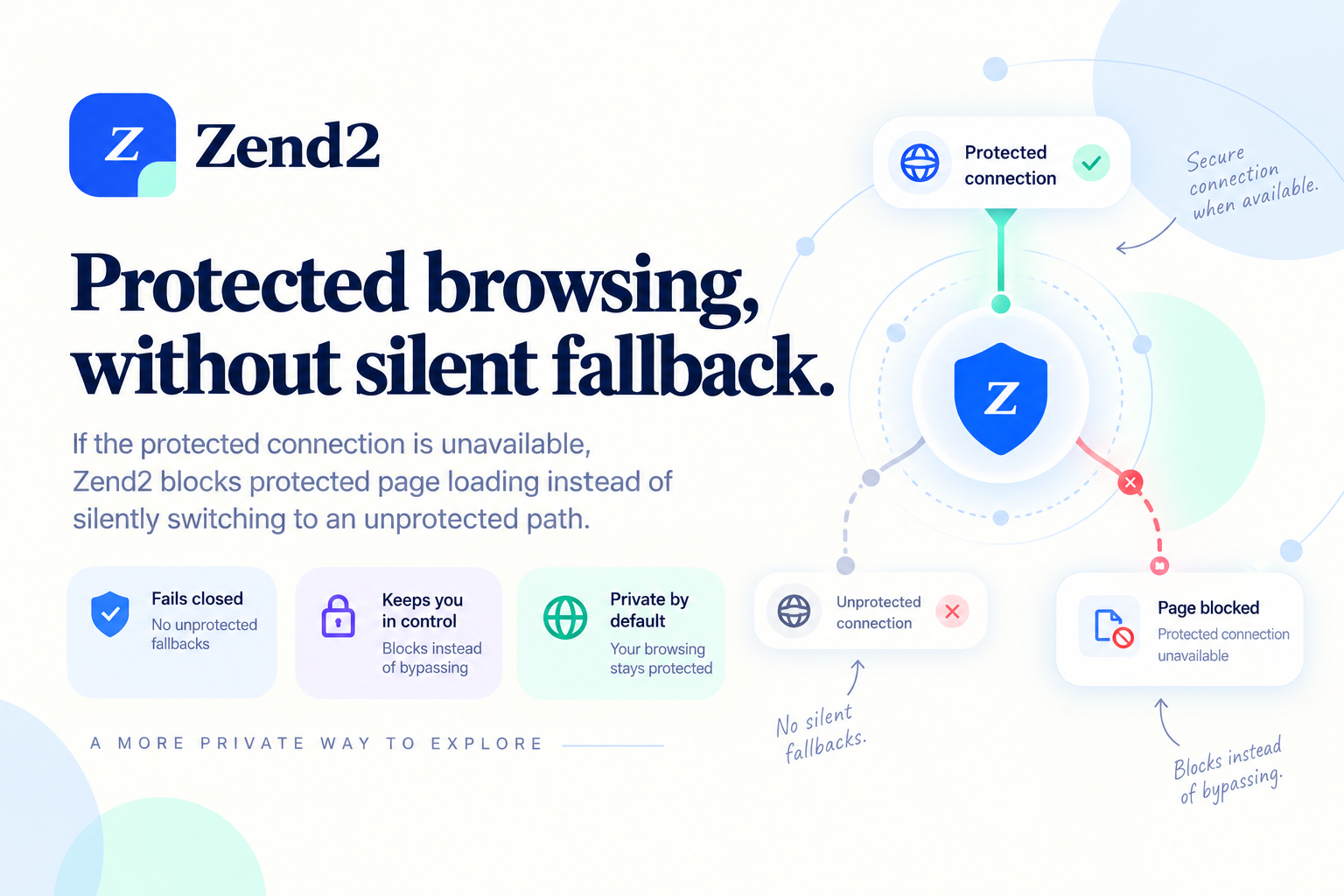
If Zend2’s protected connection is unavailable, protected browser traffic does not silently fall back to ordinary direct browsing. Zend2 blocks protected page loading instead of switching to an unprotected connection without telling you.
Accounts
Zend2 account access uses Google Sign-In. There is no Zend2 password. You can delete your account in the app or on the account deletion page.
Google Play subscription
- Plus subscriptions are purchased through Google Play.
- See current pricing in Google Play. Prices are localized and can vary.
- Plus access is confirmed by Zend2 after Google Play purchase verification. Do not buy again if Play already shows an active Zend2 Plus subscription — use Restore Purchases.
- Subscriptions can be managed or cancelled through Google Play.
- Restoring purchases is supported in the app.
Questions? Read the browser FAQ or visit Support.